

💡 Equipment Essentials for Effective Online Science Tuition 🔬
Welcome to Tutor GP! 🎉 Whether you’re a student, parent, tutor, or teacher, you’ve landed on the right page to learn about the top equipment you’ll need for successful online science tuition. Let’s dive in!
🎯 Student-Friendly Equipment 🎓
- Reliable Device: A laptop, tablet, or desktop computer with a stable internet connection is crucial. *Tip:* Ensure the device’s battery life can last through your tutoring sessions.
- Headphones: Reduce background noise and ensure clear communication with your tutor using high-quality headphones.
- Quiet Study Space: A quiet, well-lit area free from distractions helps focus during tutoring sessions.
- Scientific Calculator: Essential for solving complex equations and problems in physics, chemistry, and maths.
📚 Parental Support Equipment 👪
- Parental Involvement: Be present during tutoring sessions to monitor progress and offer support when needed.
- Note-taking Tools: Jot down key concepts, questions, and areas of improvement to discuss with your child later.
- Communication Tools: Regularly touch base with your child’s tutor to track their academic progress and address concerns.
🏆 Tutor’s Must-Haves 🎏
- Virtual Whiteboard: Use digital platforms like Google Jamboard or Trello to share visual aids and examples.
- Screen Recording Software: Tools like Camtasia or Screencast-O-Matic help record sessions for review and revision.
- Interactive Content: Engage students with interactive learning tools like Kahoot, Quizlet, or Socrative.
💡 Real-life Success Story 💡
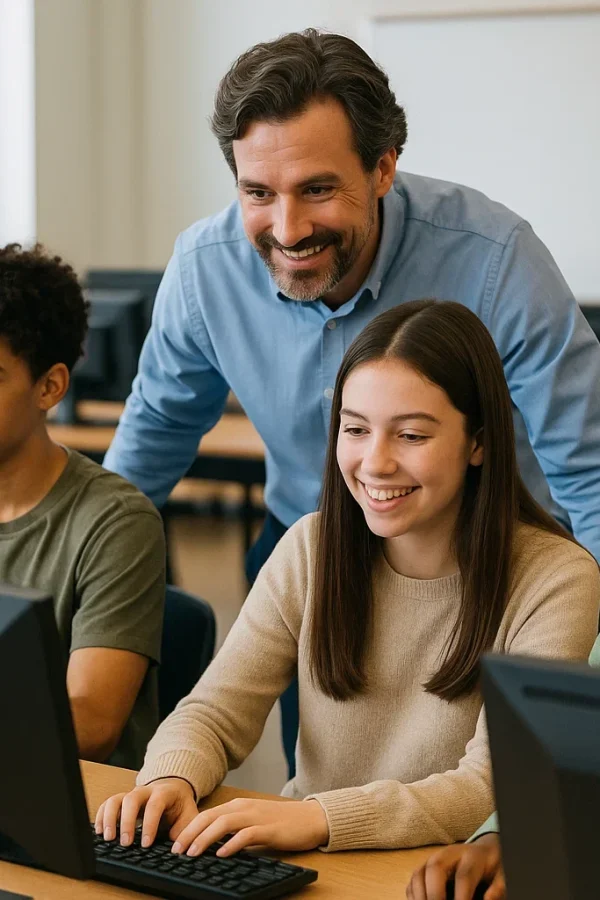
Emily, a GCSE Science student, found success with Tutor GP. Equipped with a reliable laptop, headphones, and a quiet study space, she was able to focus on her lessons and ask questions without distractions. Her parents actively participated in sessions, taking notes and discussing Emily’s progress with her tutor. With the help of interactive content and a virtual whiteboard, Emily’s understanding of complex science concepts improved dramatically!
💡 Tips for Motivated Tutors 💡
- Personalized Learning: Tailor your teaching style to each student’s learning preferences and pace.
- Revision Strategies: Use flashcards, mnemonics, and practice tests to help students retain information effectively.
- Encourage Questions: Create an open and supportive environment where students feel comfortable asking questions.
FAQs ❓
What’s the best device for online science tuition?
A laptop or desktop computer with a high-quality webcam, microphone, and a stable internet connection is ideal.
Do I need special software for online science tuition?
While not necessary, using virtual whiteboards, screen recording software, and interactive learning tools can enhance the learning experience.
What if I don’t have a quiet study space at home?
Find a quiet corner in your home, or consider using noise-cancelling headphones to help reduce background noise.
How do I support my child during online science tuition?
Be present during sessions, take notes, and communicate regularly with your child’s tutor about their progress and concerns.
What equipment do I need to record tutoring sessions?
A device with screen recording software, such as Camtasia or Screencast-O-Matic, is essential.
How can I create an engaging learning environment for students?
Use interactive content, visual aids, and activities to keep students engaged and motivated.
What are some effective revision strategies for science subjects?
Use flashcards, mnemonics, practice tests, and regular quizzing to help students retain information effectively.
How can I adapt my teaching style to different learning preferences?
Understand your students’ learning styles and adjust your teaching methods accordingly, incorporating visual, auditory, and Kinesthetic learning techniques.